Annual Sale!Get 30% offClaim Now→

Seedance 2.0 Mini Video Creator
Enter a prompt or upload an image to generate an affordable video with native audio.
Want faster video generation? Upgrade to Pro for priority processing and faster results.
Your Seedance 2.0 Mini Video
Generated video with native audio will appear below
Result Time1-5 min
Seedance 2.0 Mini AI Video Generator
The most affordable Seedance model. Turn text or images into videos with native audio — from just 16 credits per second.
Why Seedance 2.0 Mini?
From 16 credits per second
480p costs 16 credits and 720p costs 35 credits per second — less than half the price of standard Seedance 2.0.
Native audio included
Dialogue, sound effects and ambient audio are generated together with the video at no extra credit cost.
Full creative control
Text-to-video and image-to-video, 4-15 second duration, 480p or 720p, and six aspect ratios from 21:9 to 9:16.
See Seedance in Action
Explore sample clips showcasing Seedance video quality with native audio.
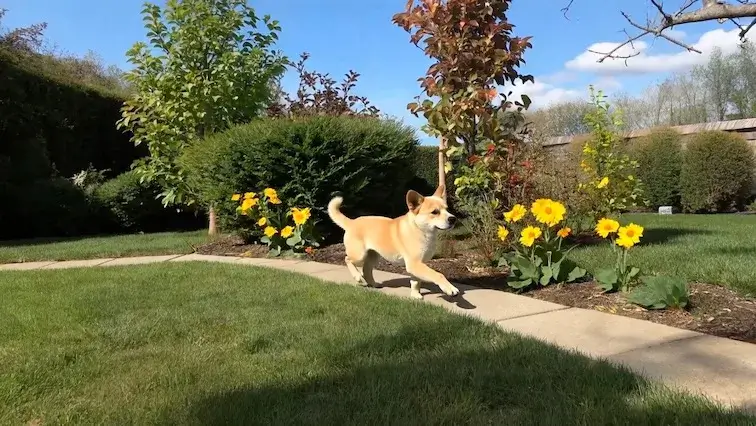
Original Image 1
Video Result 1
Frequently Asked Questions
Have a different question and can't find the answer you're looking for? Reach out to our support team by sending us an email and we'll get back to you as soon as we can.
What is Seedance 2.0 Mini?
Seedance 2.0 Mini is the lightweight member of ByteDance's Seedance 2.0 family. It generates video with native audio from text prompts or images at the lowest credit cost in the family, supporting up to 15 seconds at 480p or 720p.
How much does Seedance 2.0 Mini cost?
Pricing is per second of video: 16 credits per second at 480p and 35 credits per second at 720p. For example, a 5-second 720p clip costs 175 credits, while the same clip at 480p costs just 80 credits.
How is Mini different from Seedance 2.0 and 2.0 Fast?
All three share the same input modes, durations, resolutions and aspect ratios. Mini trades some visual fidelity for a much lower price — less than half the credits of the standard model — making it ideal for drafts, iterations and high-volume generation.
What input modes are supported?
Seedance 2.0 Mini supports text-to-video and image-to-video. Upload a reference image as the first frame and combine it with a text prompt for more precise control over the result.
Does Seedance 2.0 Mini support audio generation?
Yes. Audio is generated natively with the video by default, including dialogue, sound effects and ambience synchronized to the visuals. You can toggle audio off if you prefer silent output.
What resolutions and aspect ratios are available?
Seedance 2.0 Mini supports 480p and 720p resolutions with six aspect ratios: 16:9, 4:3, 1:1, 3:4, 9:16 and 21:9. Duration is adjustable from 4 to 15 seconds.
When should I choose Mini over the other Seedance models?
Choose Mini for quick drafts, social clips, prompt testing and high-volume workflows where cost matters most. When you need maximum visual fidelity for a final render, re-run the same prompt with standard Seedance 2.0.