Annual Sale!Get 30% offClaim Now→

GPT Image 2
Enter a prompt, or upload reference images to edit with GPT Image 2
GPT Image 2 Result
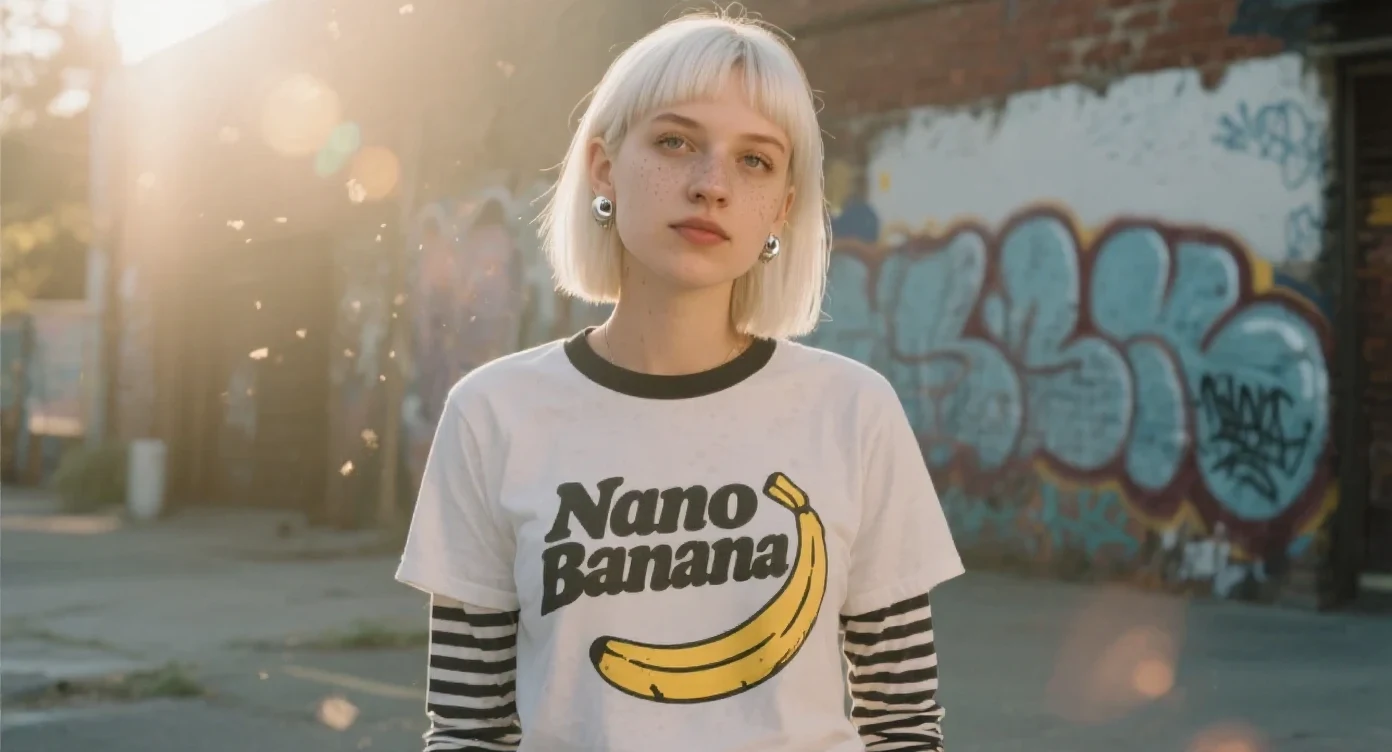
GPT Image 2 AI Image Generator
Generate and edit images with OpenAI's GPT Image 2
GPT Image 2 Examples
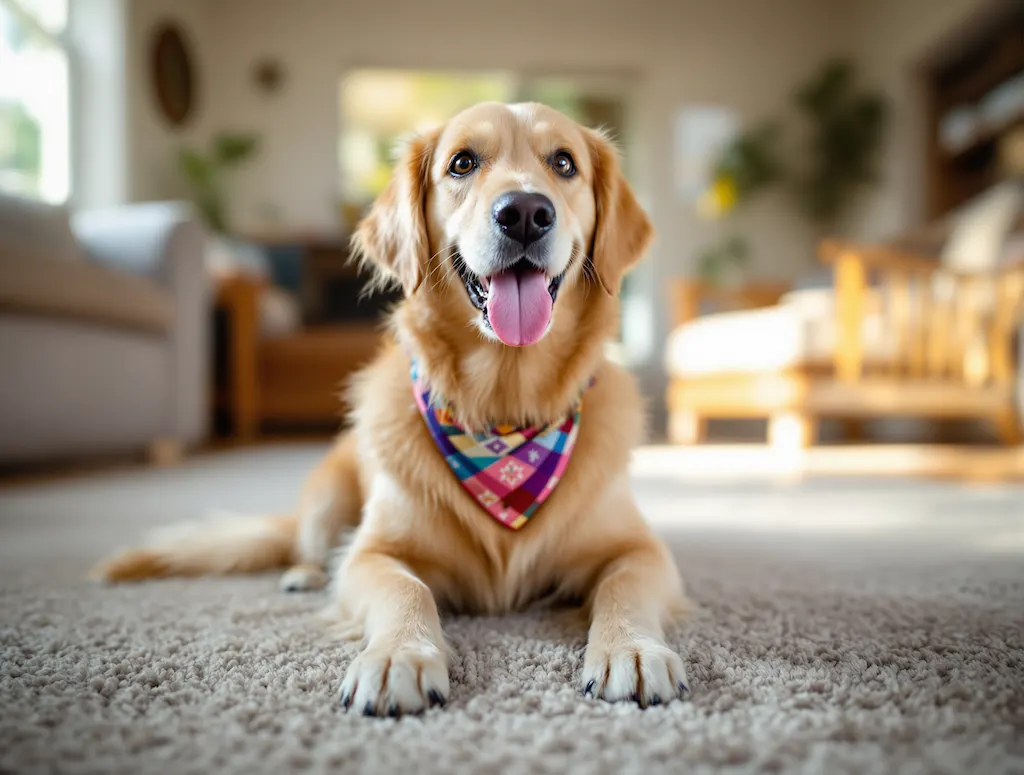
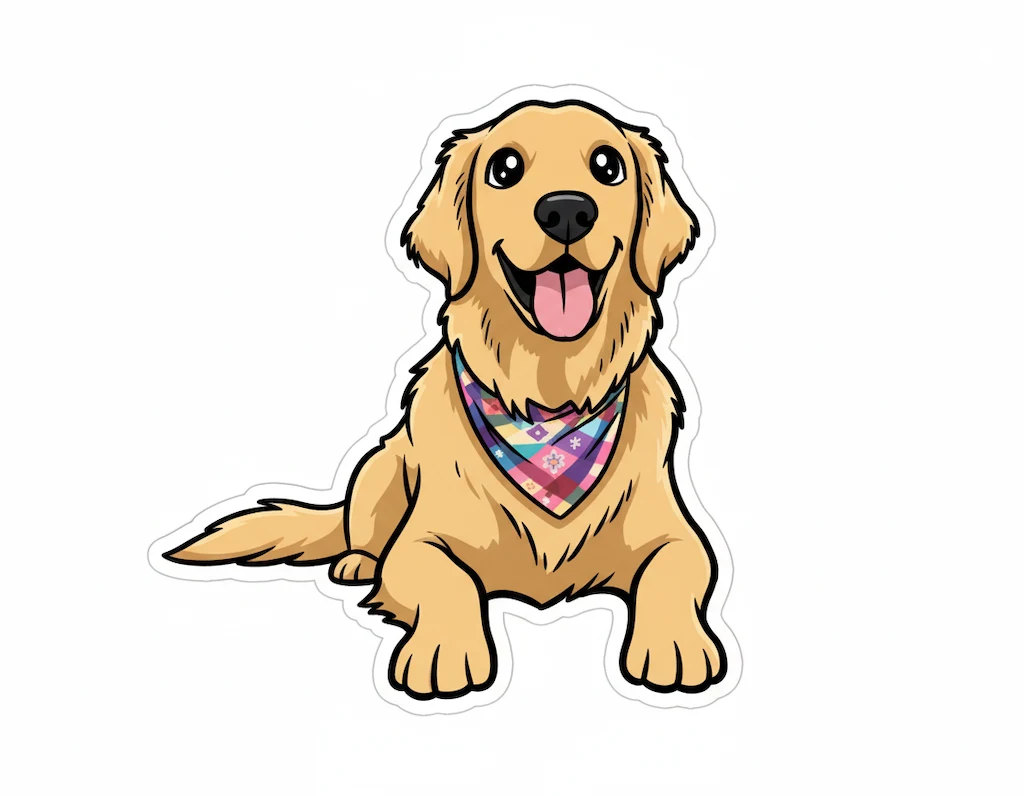
A kawaii-style sticker of the image. The design features bold, clean outlines, simple cel-shading, and a vibrant color palette, with a white background.
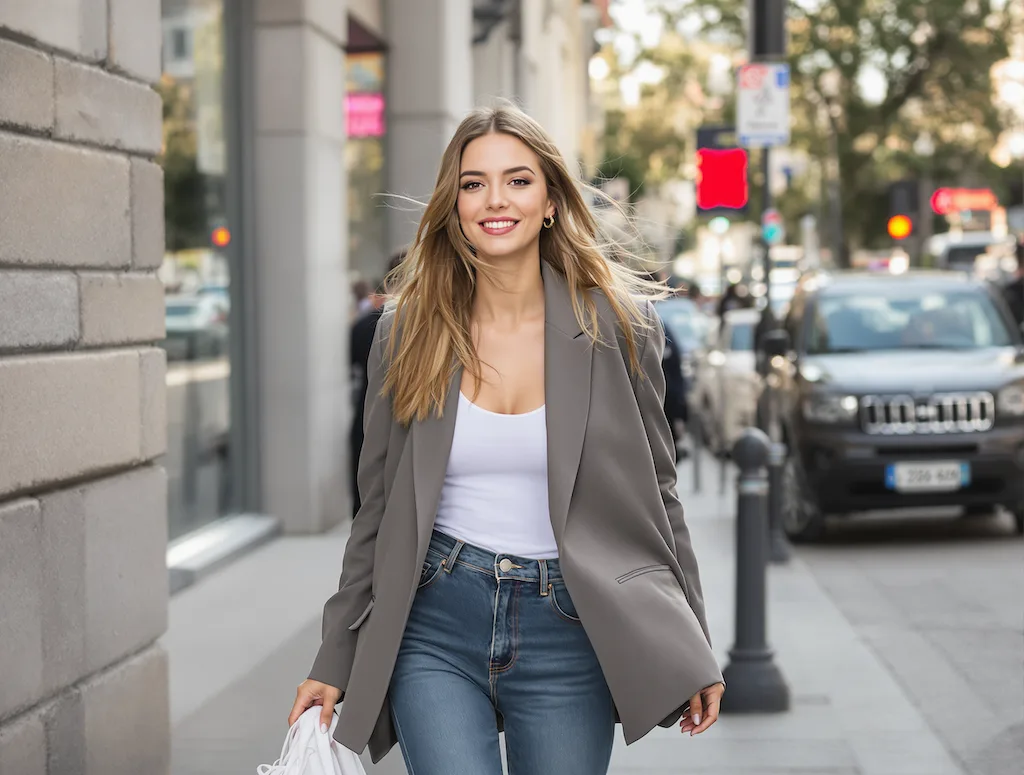
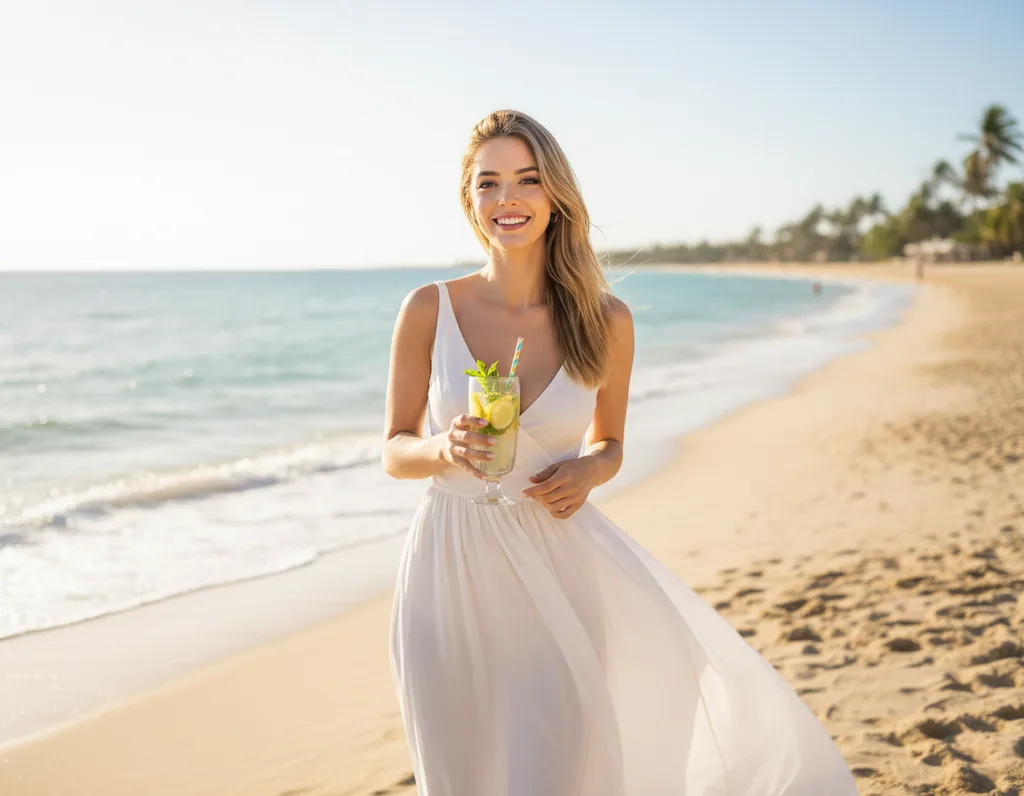
Replace the background with a beautiful sunny beach scene. The person wears an elegant white flowing dress and holds a refreshing iced lemonade with garnish. Bright summer day atmosphere with ocean waves and warm sunlight.
GPT Image 2 FAQ
Have a different question and can't find the answer you're looking for? Reach out to our support team by sending us an email and we'll get back to you as soon as we can.
- Text-to-image generation: Produce images directly from descriptive prompts
- Image-to-image editing: Upload up to 10 reference images and describe the changes you want
- Strong prompt adherence: Excellent at following detailed instructions and constraints
- Versatile styles: From photorealistic portraits to illustrations, posters, and concept art
- Built-in safety: NSFW filtering keeps outputs appropriate
What is GPT Image 2 and what can it do?
GPT Image 2 is OpenAI's advanced image generation and editing model. It produces high-quality images from natural language prompts and supports image-to-image editing when you provide reference photos. Whether you need photorealistic visuals, stylized artwork, or precise edits to existing images, GPT Image 2 delivers results that closely follow your instructions.
What are the key features of GPT Image 2?
What types of edits can GPT Image 2 perform?
Upload one or more reference images alongside a prompt, and GPT Image 2 can restyle scenes, change backgrounds, add or remove elements, combine multiple inputs, adjust lighting, transform art styles, and much more. It preserves the subject of your reference while applying your requested changes.
How many credits does each generation cost?
Each GPT Image 2 generation costs 12 credits. This fixed cost applies to both text-to-image and image-to-image modes. New users receive free credits on sign up so you can try the model right away.
How long does a generation take?
Most generations complete in 15 to 30 seconds. Complex prompts or image-to-image edits with multiple references may take slightly longer. Results are delivered via webhook the moment the model finishes.
How many reference images can I upload for image-to-image?
You can upload up to 10 reference images per generation. Drag and drop to reorder them — the first image is the primary reference. Supported formats are PNG, JPG, JPEG, and WEBP, up to 30MB per file.
What professional use cases does GPT Image 2 fit?
GPT Image 2 is well suited for product visualization, marketing creatives, concept art, editorial illustrations, social media assets, style exploration, and rapid prototyping of design ideas. Its strong prompt adherence makes it reliable for brand-consistent output.
Is GPT Image 2 free to try?
Yes — every new user receives free credits on sign up, which you can spend on GPT Image 2 or any other supported model. After that, credits can be topped up from the pricing page at any time.